Backlinks
Upload files and link them to resources
Northwind comes with images: a photo per employee, an icon per category. Uploaded files are stored content-addressed — the file's URL is derived from the SHA-1 hash of its content, under {base}uploads/. The same bytes always land at the same URL, which is what makes file references stable enough to bake into import mappings.
Linking files to resources
A file becomes part of the graph the moment something points at it. The category mapping from the Data stage does exactly that — the CSV carries each image's hash in its pictureHash column, and the mapping mints the upload URL from it:
?category foaf:depiction ?picture .
...
BIND(uri(concat(str($base), "uploads/", encode_for_uri(?pictureHash))) AS ?picture)
Source: categories/categories.rq
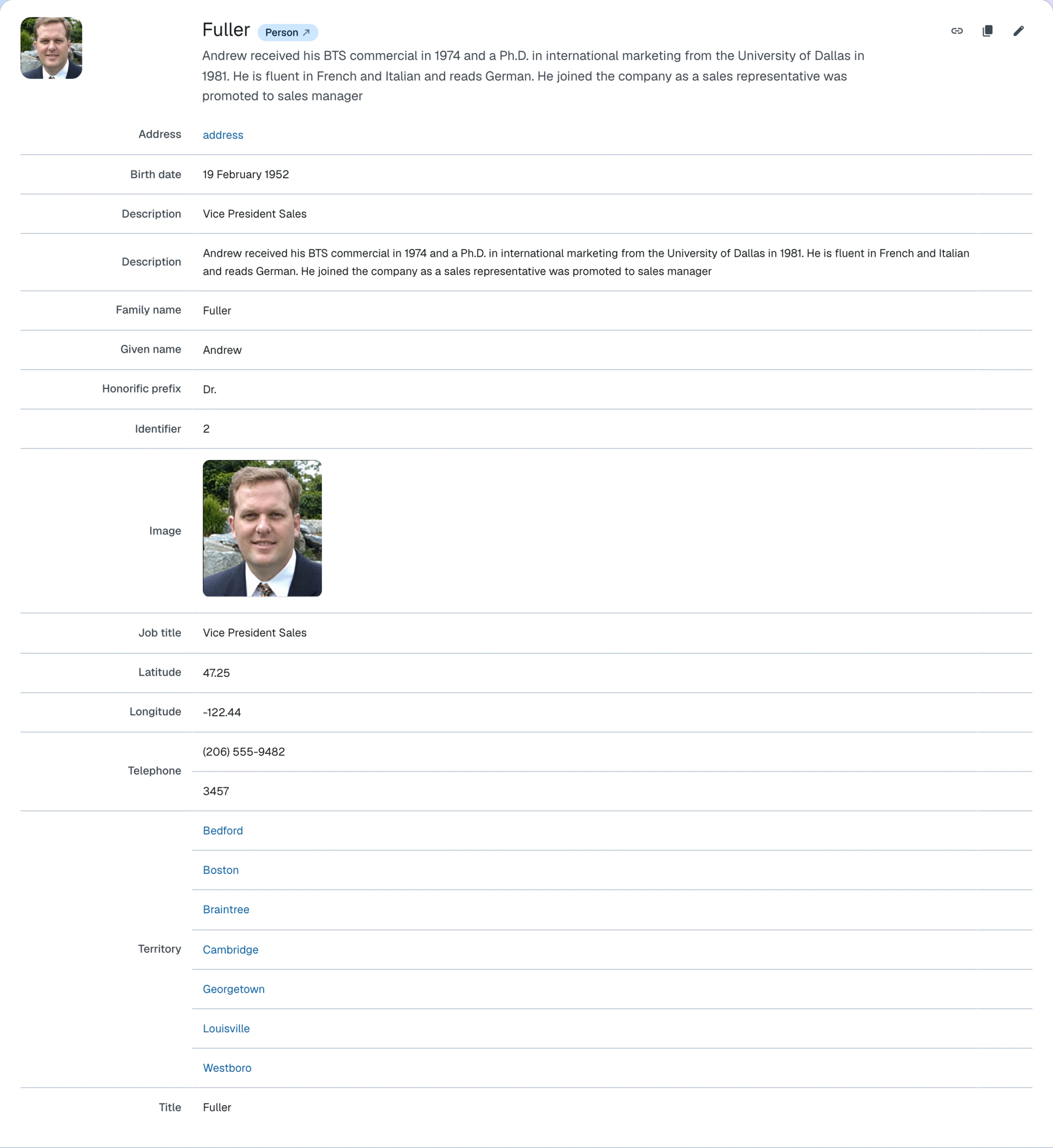
The employee mapping does the same with a photoHash column, linking the portrait with foaf:img, the predicate for an image of a person, while
foaf:depiction is the looser depicts relation used for the category art.
Click the Create dropdown at the bottom of the page and select File. Choose the file, give it a title, and save. The Upload file guide walks through the form in detail.
ldh add file \
    --title "Nancy Davolio" \
    --file employees/nancy.jpg \
    --content-type "image/jpeg" \
"$LDH_BASE"ldh add file prints the content-addressed URL of the upload ({base}uploads/{sha1}) as its only output, so it can be captured into a variable and referenced from imports
or content.
--content-type is optional — the media type is detected from the file when it is omitted.
What you now see
Category and employee documents now render with their images — foaf:depiction and foaf:img are picked up by the default layout, no template work required.
How this works
- Hierarchical URIs — the content-addressed uploads/{sha1sum} namespace in the dataset structure
- Upload file — the upload form and the CLI command, step by step
Next: Insight