Backlinks
Grant public access and ship it
So far only the owner's WebID certificate can see the app. Access is governed by ACL authorizations — documents in the admin app, like everything else. Publishing means creating one authorization: read access on the whole dataspace for all agents.
Create the authorization with the access control forms in the admin dataspace — see
the ACL reference for
the authorization model: who (agents, agent classes), what (documents, document classes),
and which acl:mode.
ldh admin make-public
The command extends the admin dataspace's acl/authorizations/public/ document: the built-in Public access authorization gains its access grants, and a second authorization is added. Authorizations are data, so you can inspect what the command wrote — and delete it to unpublish:
@prefix acl:  <http://www.w3.org/ns/auth/acl#> .
@prefix rdfs: <http://www.w3.org/2000/01/rdf-schema#> .
@prefix def:  <https://w3id.org/atomgraph/linkeddatahub/default#> .
@prefix dh:   <https://w3id.org/atomgraph/linkeddatahub/document-hierarchy#> .
@prefix nfo:  <http://www.semanticdesktop.org/ontologies/2007/03/22/nfo#> .
@prefix foaf: <http://xmlns.com/foaf/0.1/> .

<#this> a acl:Authorization ;
    rdfs:label "Public access" ;
    acl:mode acl:Read ;
    acl:agentClass foaf:Agent,               # matches unauthenticated requests
        acl:AuthenticatedAgent ;             # matches authenticated ones
    acl:accessToClass def:Root, dh:Container, dh:Item, nfo:FileDataObject ;
    acl:accessTo <https://localhost:4443/sparql> .

<#sparql-post> a acl:Authorization ;         # allows queries over POST
    acl:mode acl:Append ;
    acl:agentClass foaf:Agent, acl:AuthenticatedAgent ;
acl:accessTo <https://localhost:4443/sparql> .The first authorization grants acl:Read on every document class — the root, containers, items and file uploads — and on the
SPARQL endpoint; the second additionally allows POSTed queries.
What you now see
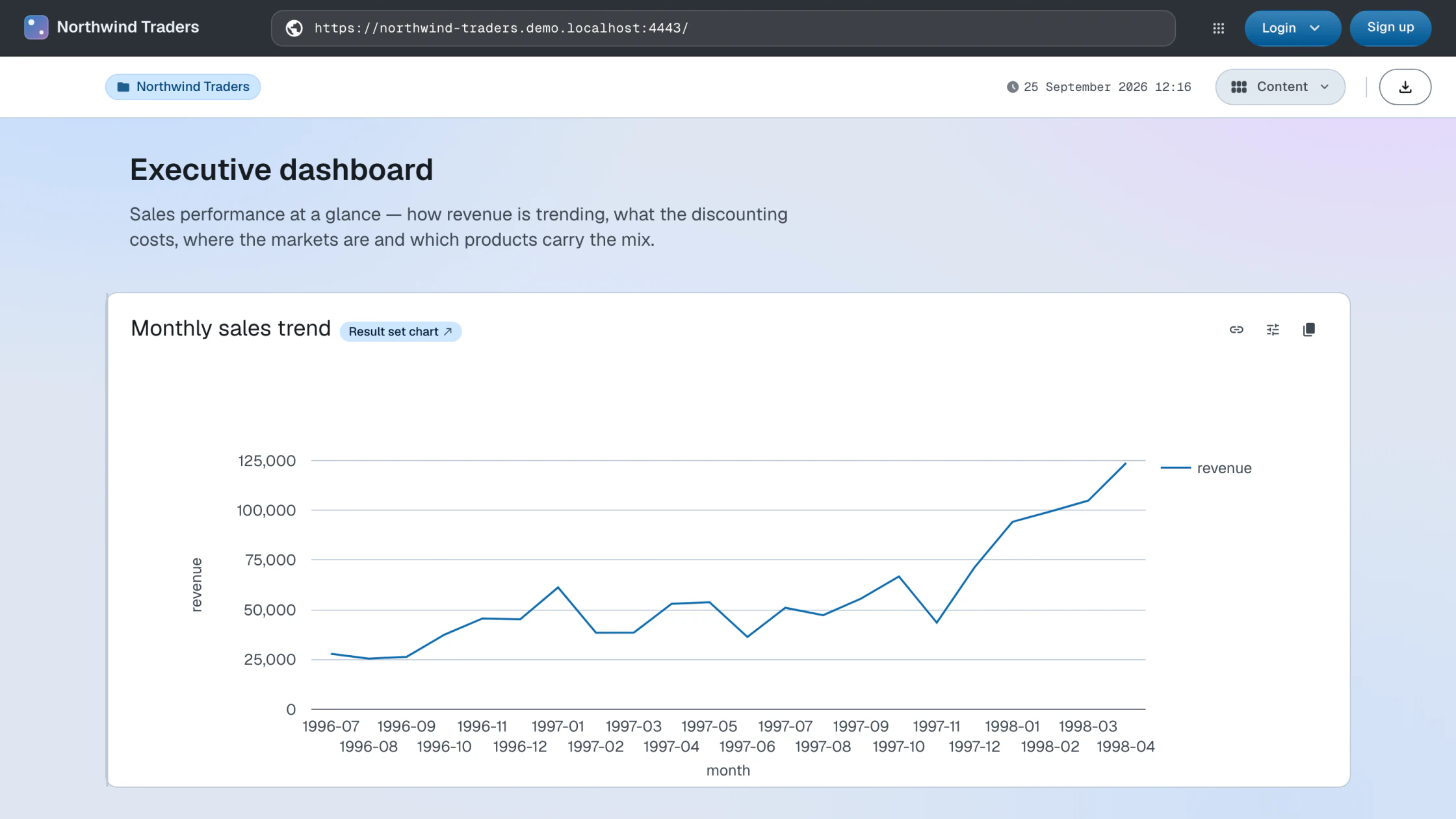
Open the base URL in a private browser window, with no certificate: the Northwind Traders app renders, charts and all. It is now a public Linked Data dataset and a public web application — the same URLs serve both, negotiated by content type.
How this works
- Access control — agents, groups, authorizations and access modes
Next: App as a repository